01
Use only the official domain
Open CloudyMax by typing cloudymax.com or using your saved home-screen icon. Check the domain before signing in or paying.
02
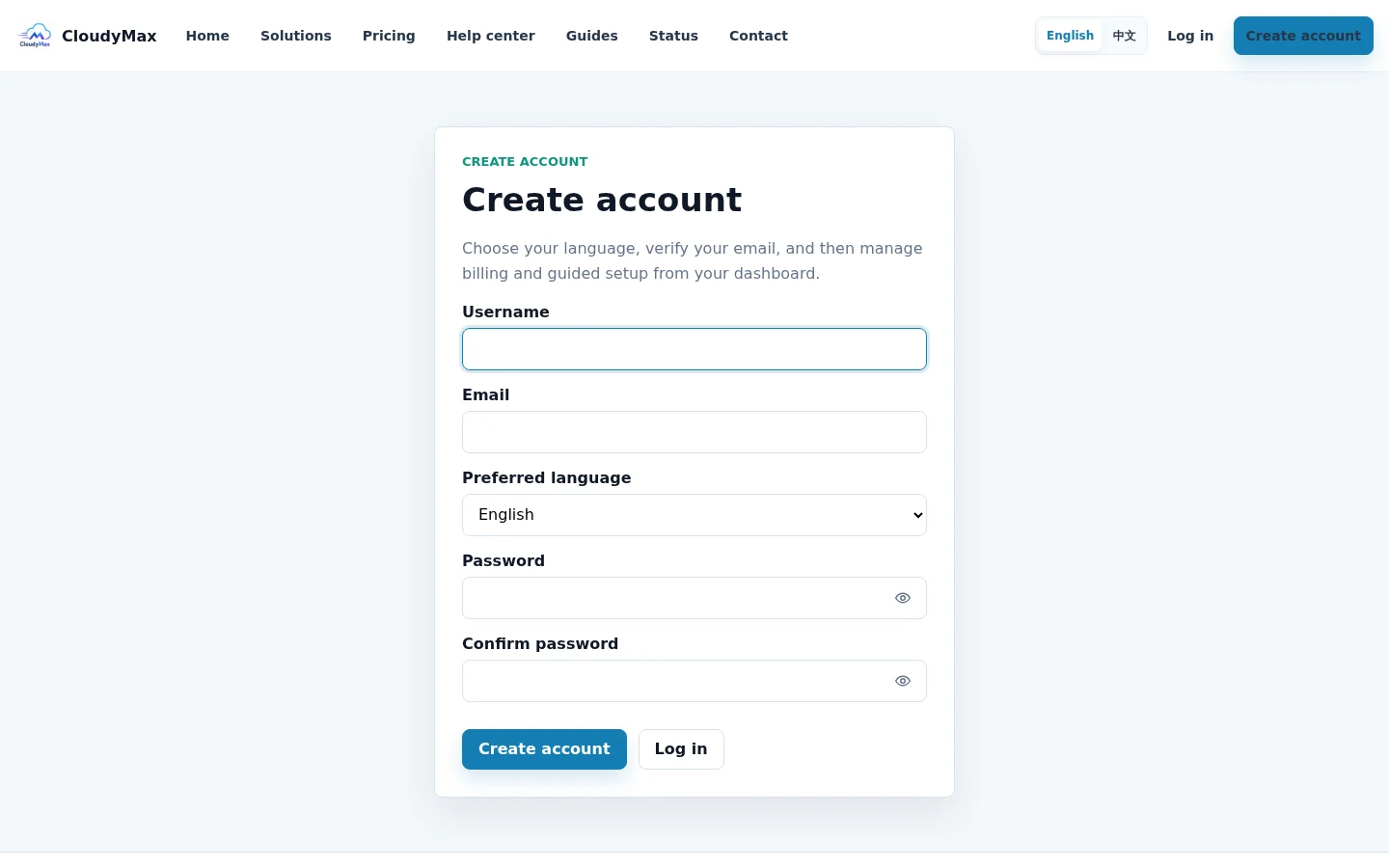
Use a unique password
Create a strong password and keep it in a trusted password manager. Never send it to support.
03
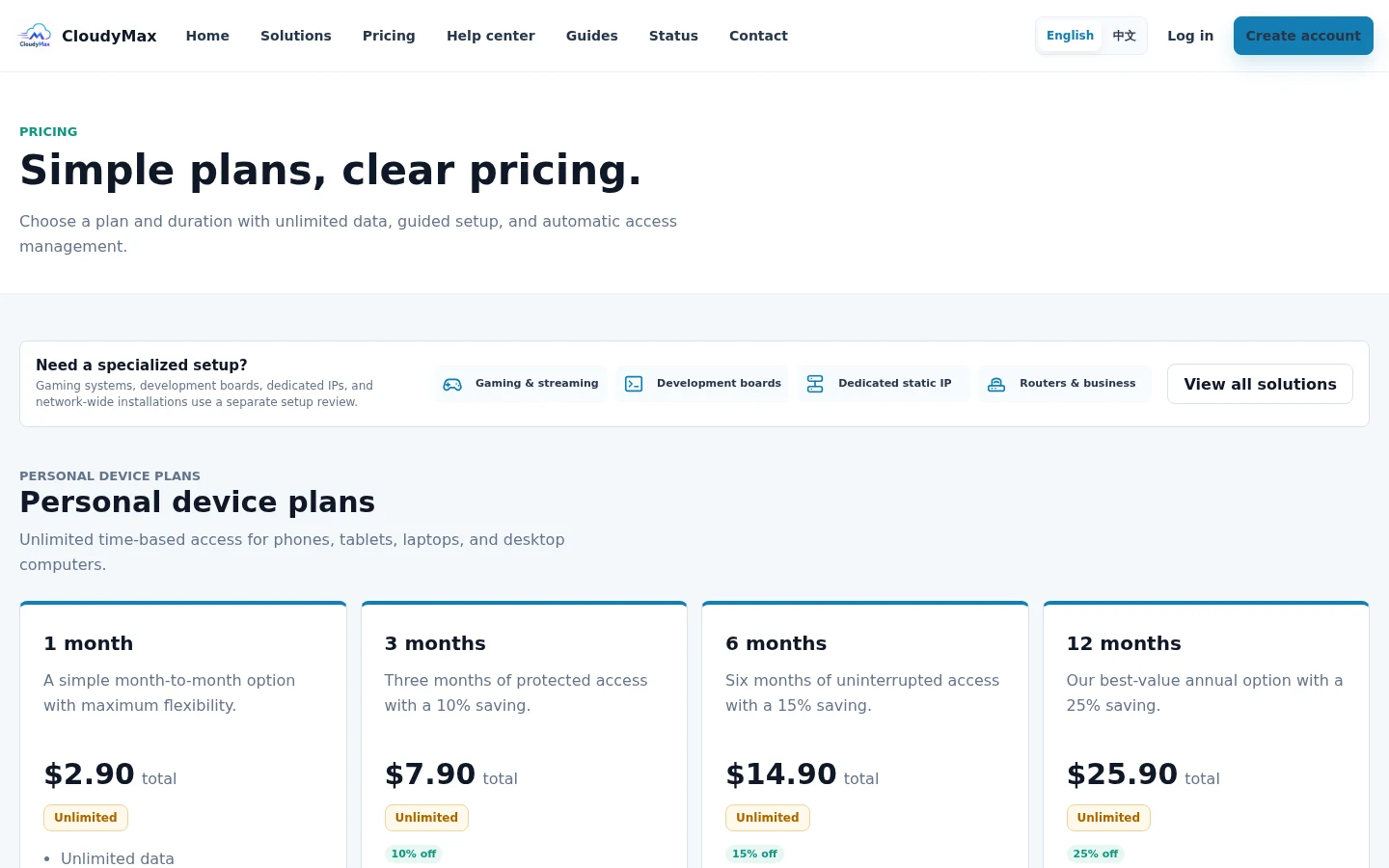
Review checkout before payment
Confirm the duration and total before continuing. Payment details are entered only on the secure checkout shown from your Billing page.
04
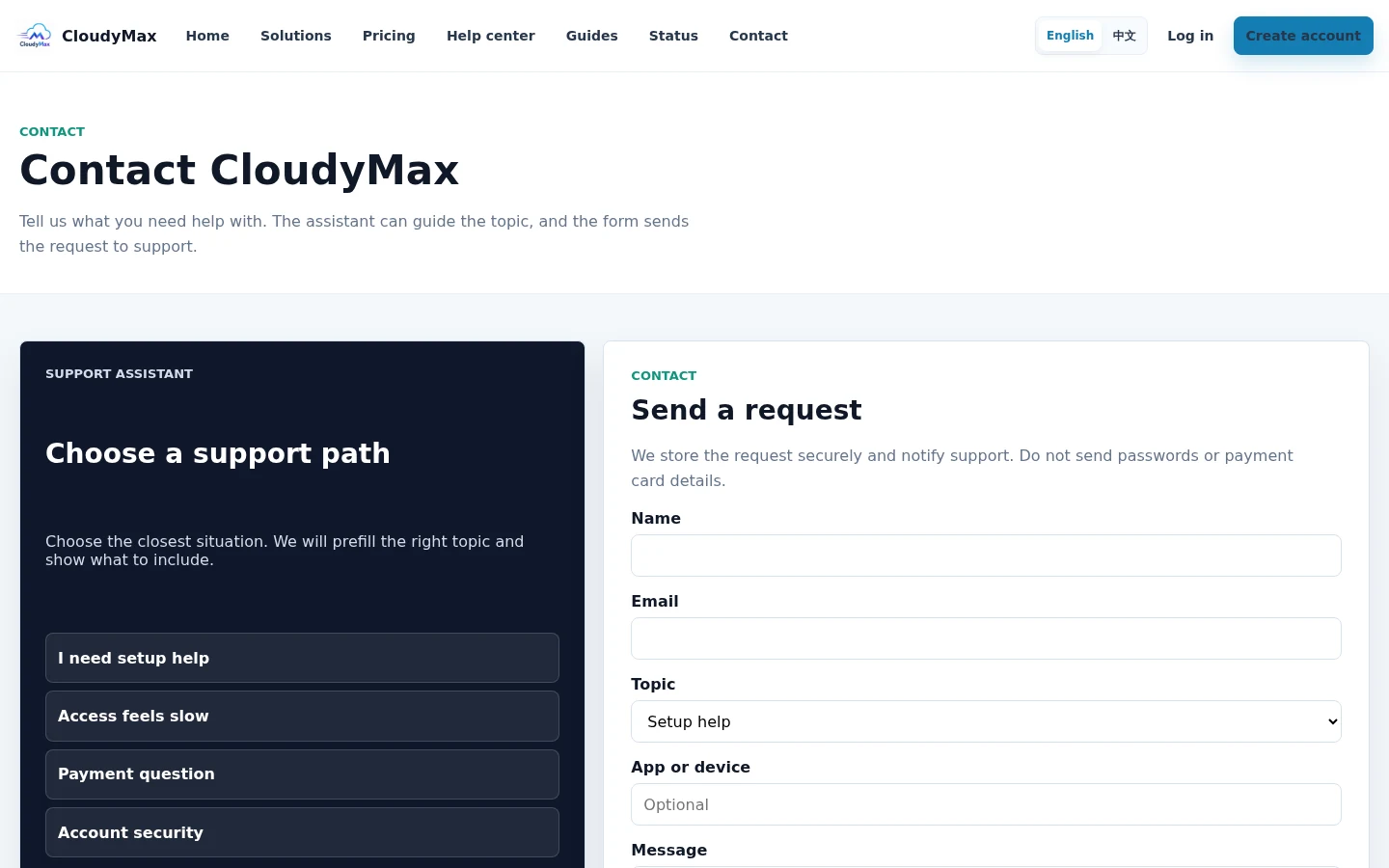
Send safe context to support
Use the Contact or Support form. Include your account email, device, app name, and the step that failed, but not passwords or raw configuration.