همه راهنماها

رفع مشکل

تازه‌سازی اتصال ضعیف

وقتی اتصال قطع یا کیفیت تماس و ویدئو ضعیف می‌شود از روند امن تازه‌سازی استفاده کنید.

4 دقیقه مطالعه بازبینی‌شده مرداد ۱۴۰۵
01

Check that access is still active

Open the dashboard and confirm that your plan is active and has not expired. A payment or expiration message must be resolved before refreshing.
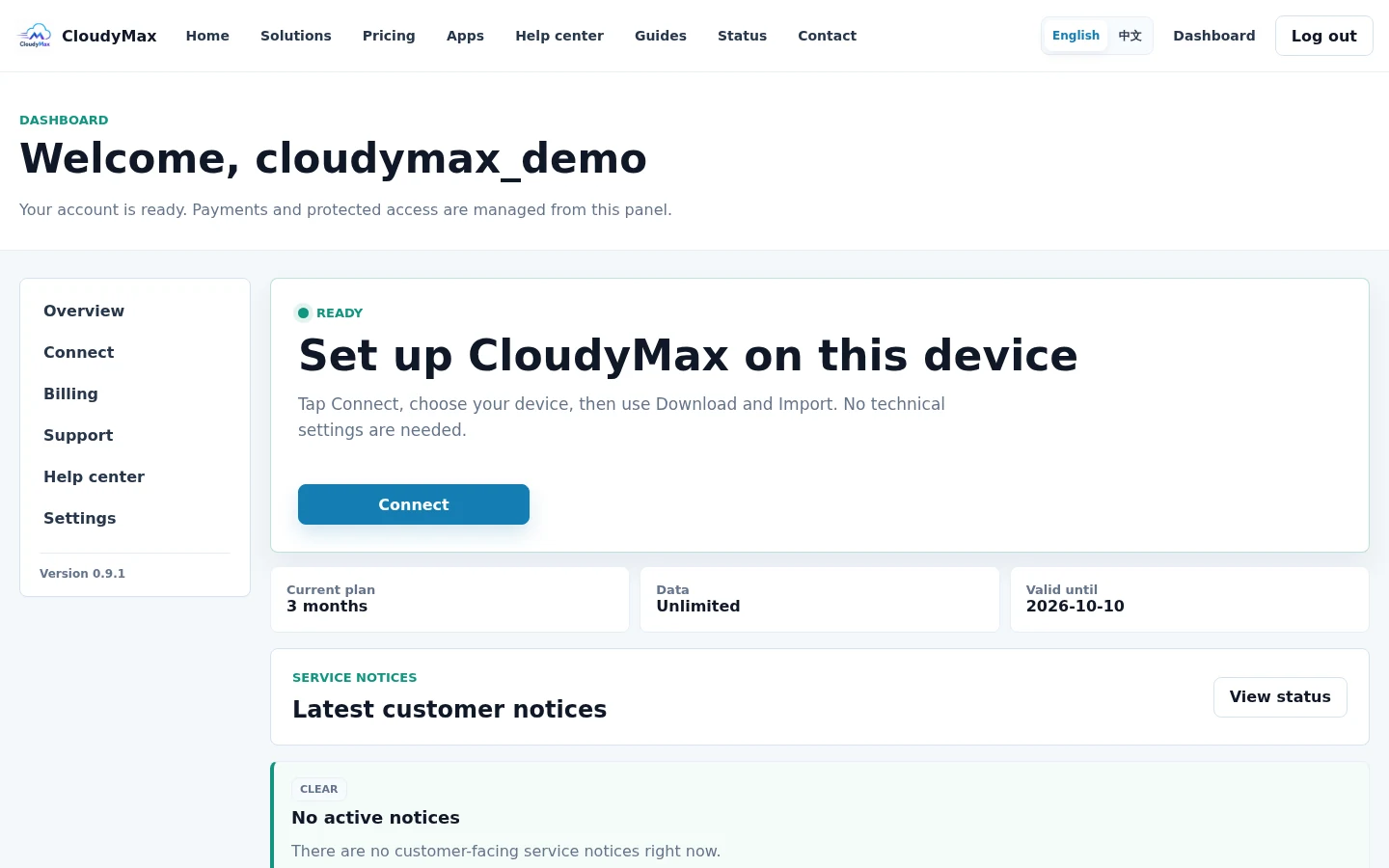
CloudyMax dashboard access status
02

Select Refresh connection once

Open Connect and select Refresh connection. Wait for the page to report that the new account-specific access is ready.
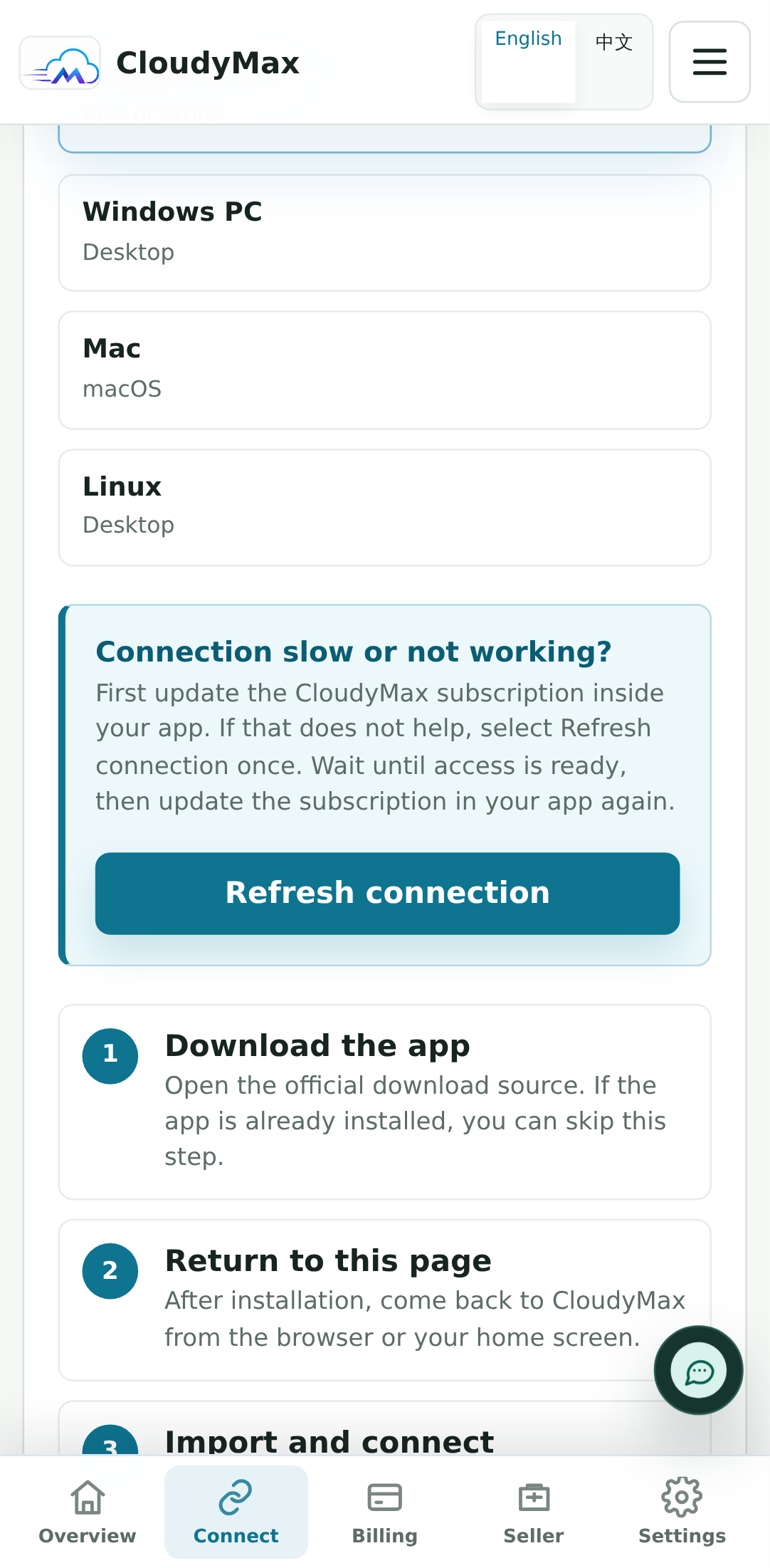
Refresh connection control on the CloudyMax Connect screen
03

Update the imported profile in your app

Return to the app and update its subscription, or use Import again. Then test one normal website before testing a call or large download.
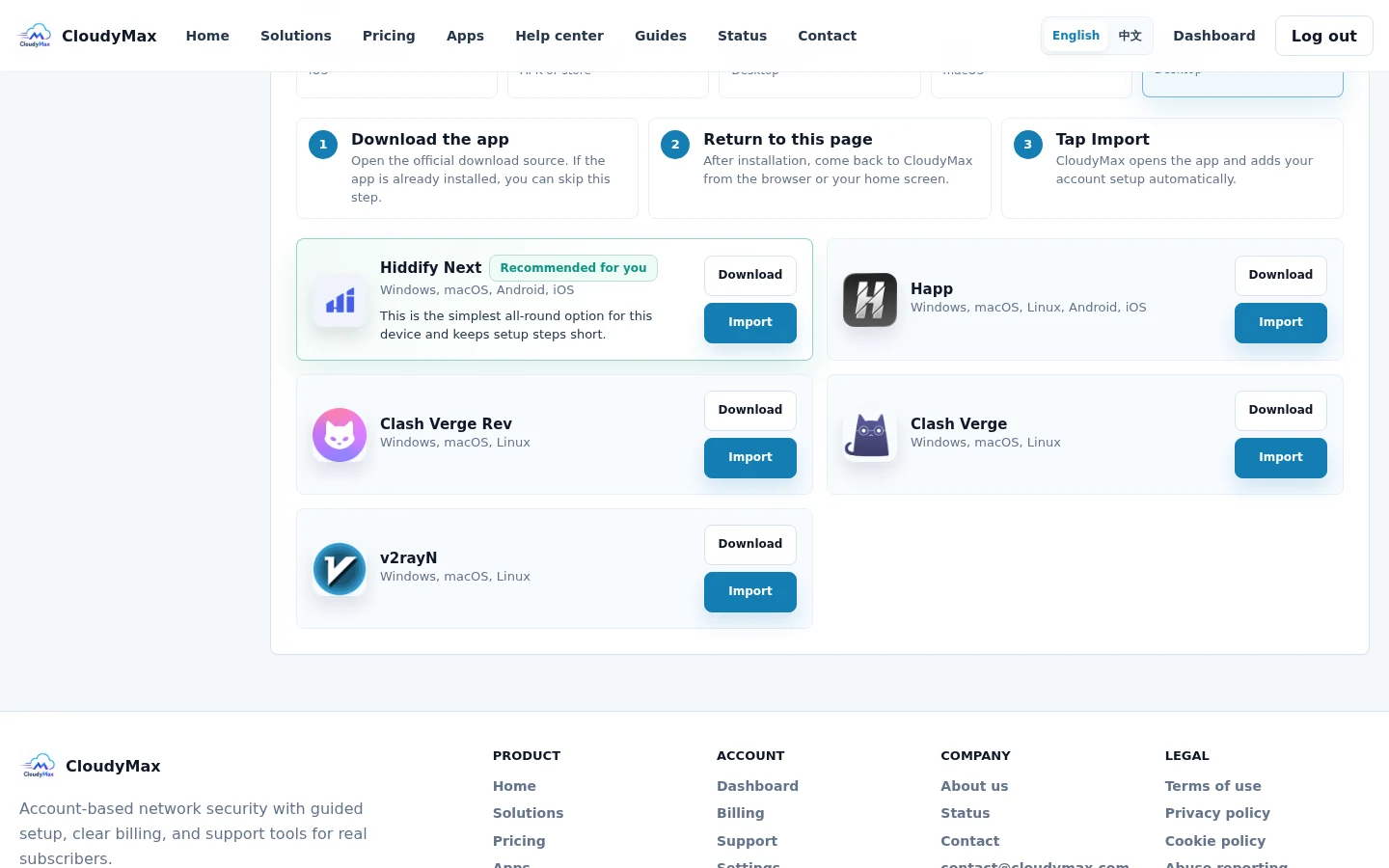
CloudyMax import control after a refresh
مرحله بعد امن نگه‌داشتن حساب و پرداخت دامنه رسمی را بشناسید، از رمز محافظت کنید و بدانید پشتیبانی چه اطلاعاتی را هرگز نمی‌خواهد.
پشتیبانی