كل الأدلة

التطبيقات والأجهزة

اختر التطبيق الصحيح لجهازك

اعثر على تنزيل iPhone أو Android أو Windows أو macOS أو Linux الصحيح بلا تخمين.

4 دقائق قراءة تمت المراجعة أغسطس 2026
01

Start with the device tab

The Connect screen filters the app list by device. Select the device you are using now, not another device on your account.
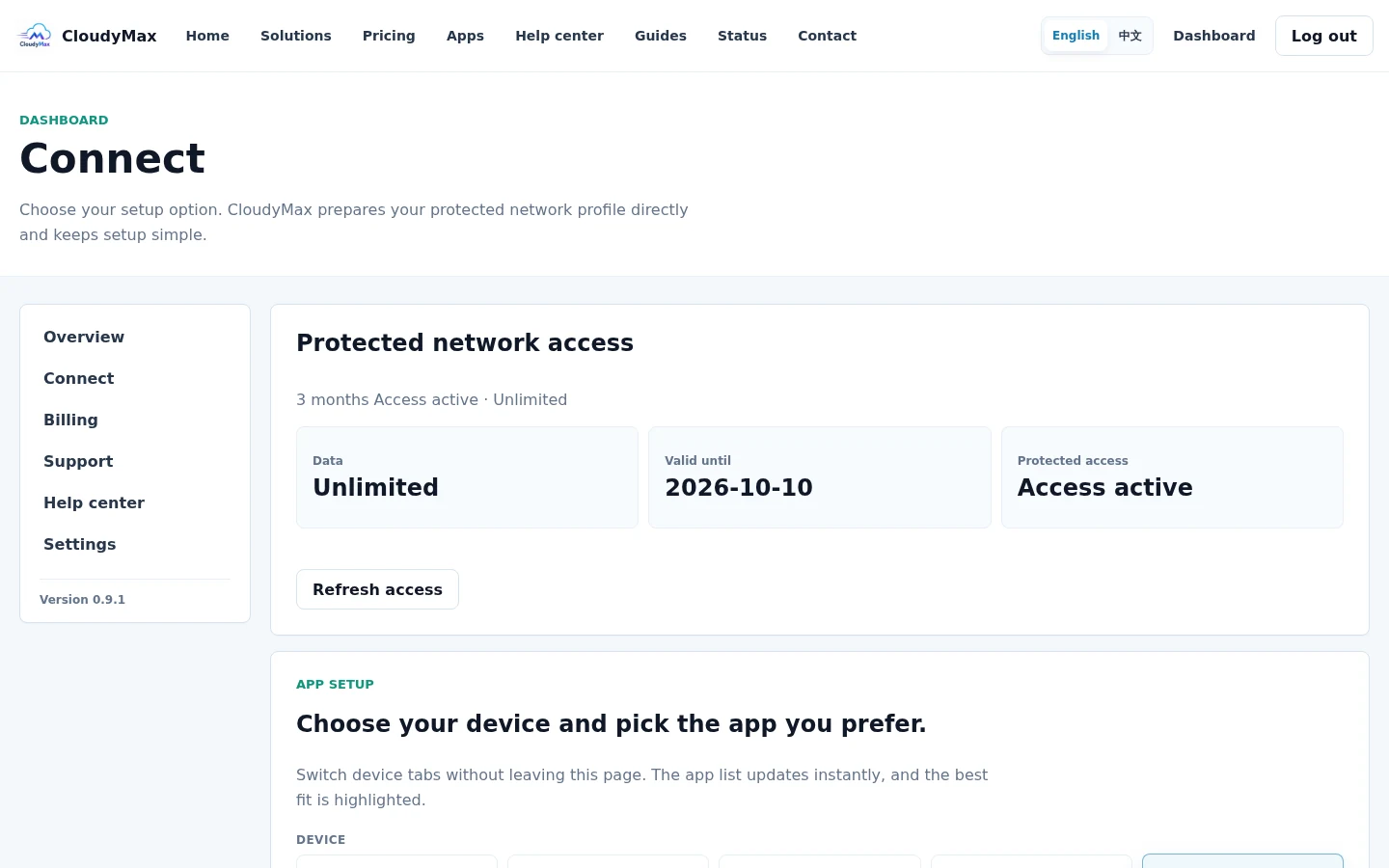
Device tabs on the CloudyMax Connect screen
02

Use the official download destination

The Apps page explains supported platforms and opens the official store or project release for the selected device.
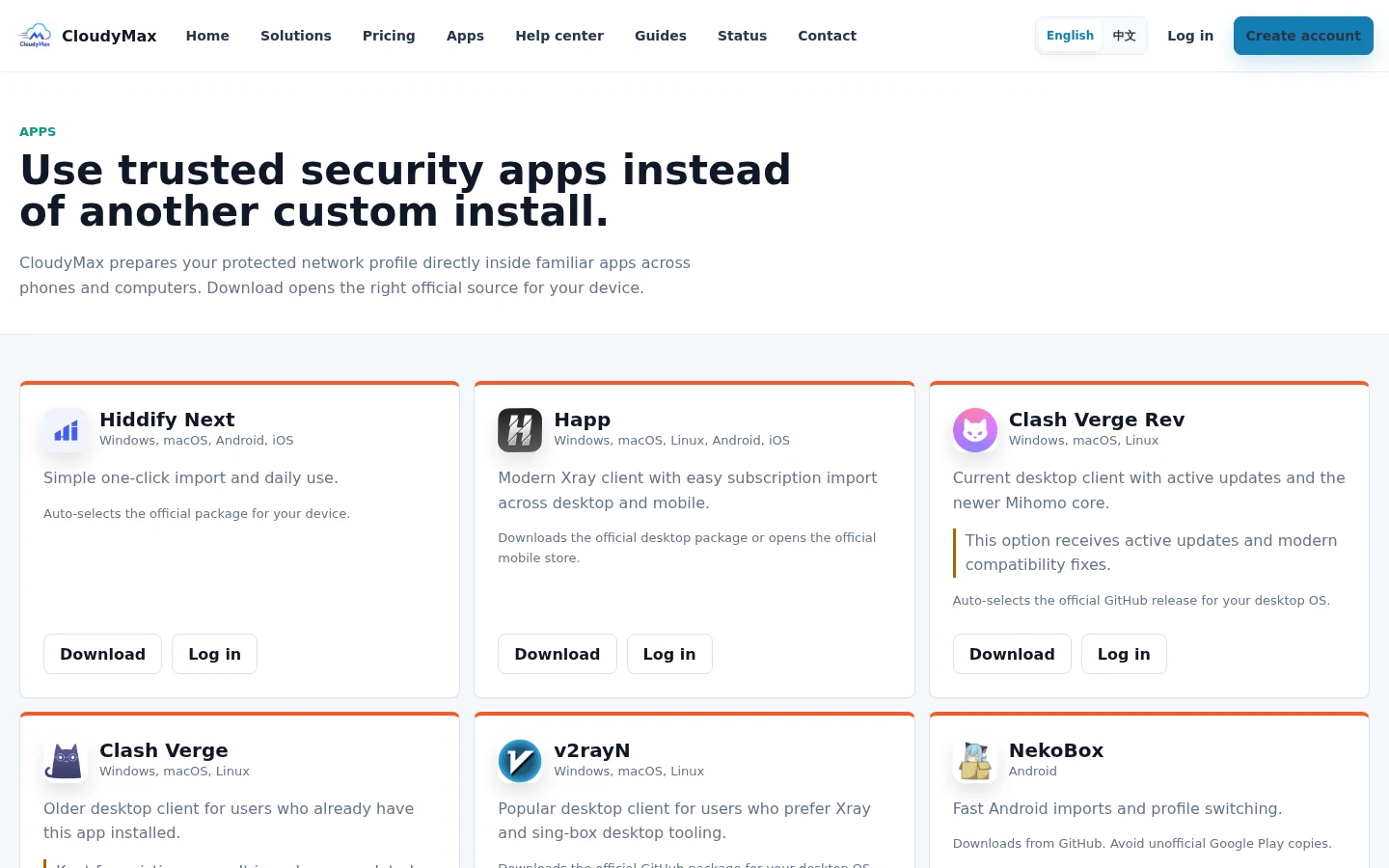
CloudyMax supported applications catalog
03

Return, import, and connect

After installing the app, return to the same Connect page and select Import beside that app. Approve the prompt, select the imported CloudyMax profile, and tap the app's Connect button.
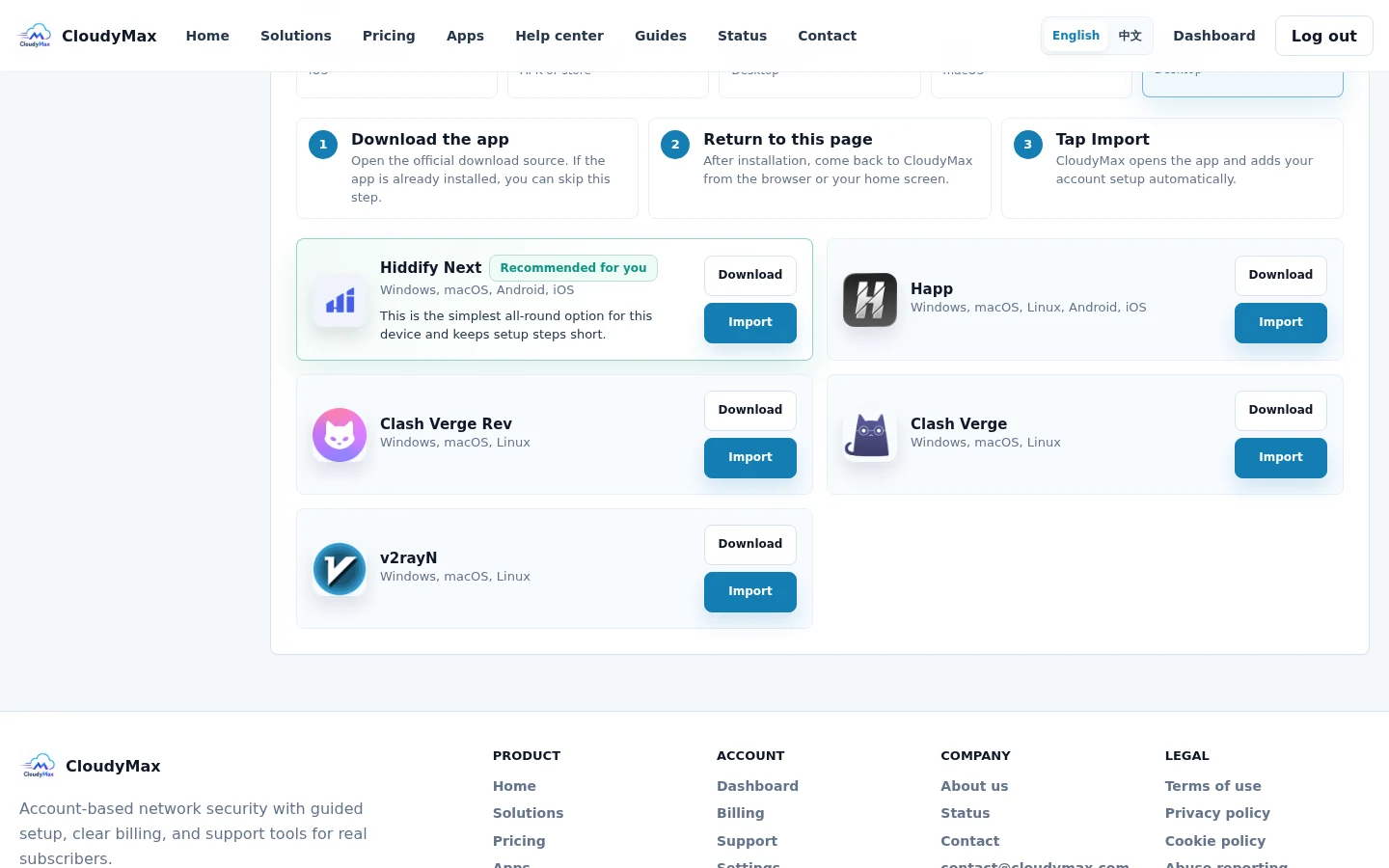
CloudyMax download and import actions
الخطوة التالية تحديث اتصال ضعيف استخدم التحديث الآمن عندما يتوقف الوصول أو تضعف جودة المكالمات والفيديو.
الدعم