All guides

Troubleshooting

Refresh a weak connection

Use the safe refresh flow when access stops working or call and video quality becomes weak.

4 min read Reviewed July 2026
01

Check that access is still active

Open the dashboard and confirm that your plan is active and has not expired. A payment or expiration message must be resolved before refreshing.
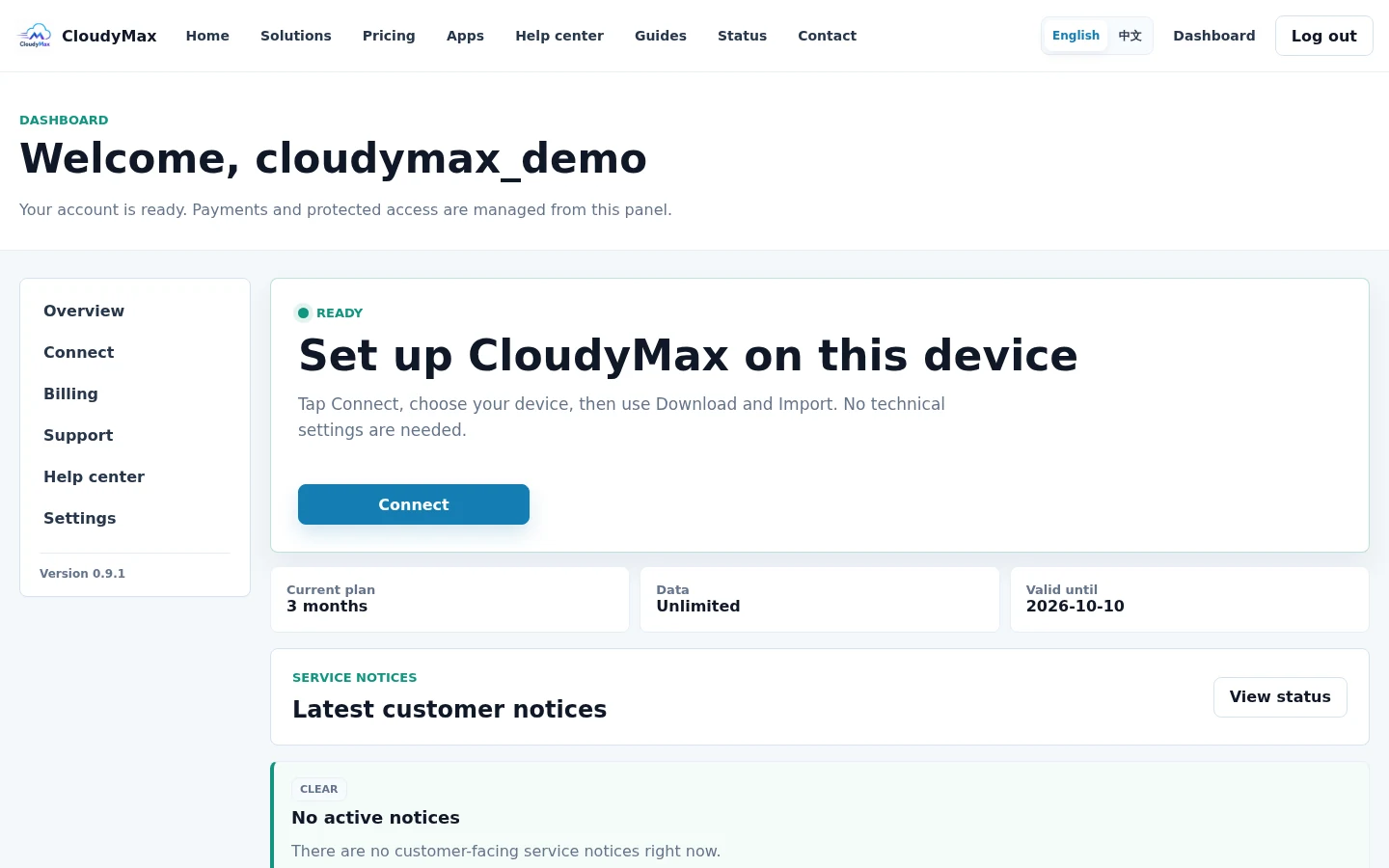
CloudyMax dashboard access status
02

Select Refresh access once

Open Connect and select Refresh access. Wait for the page to report that the new account-specific access is ready.
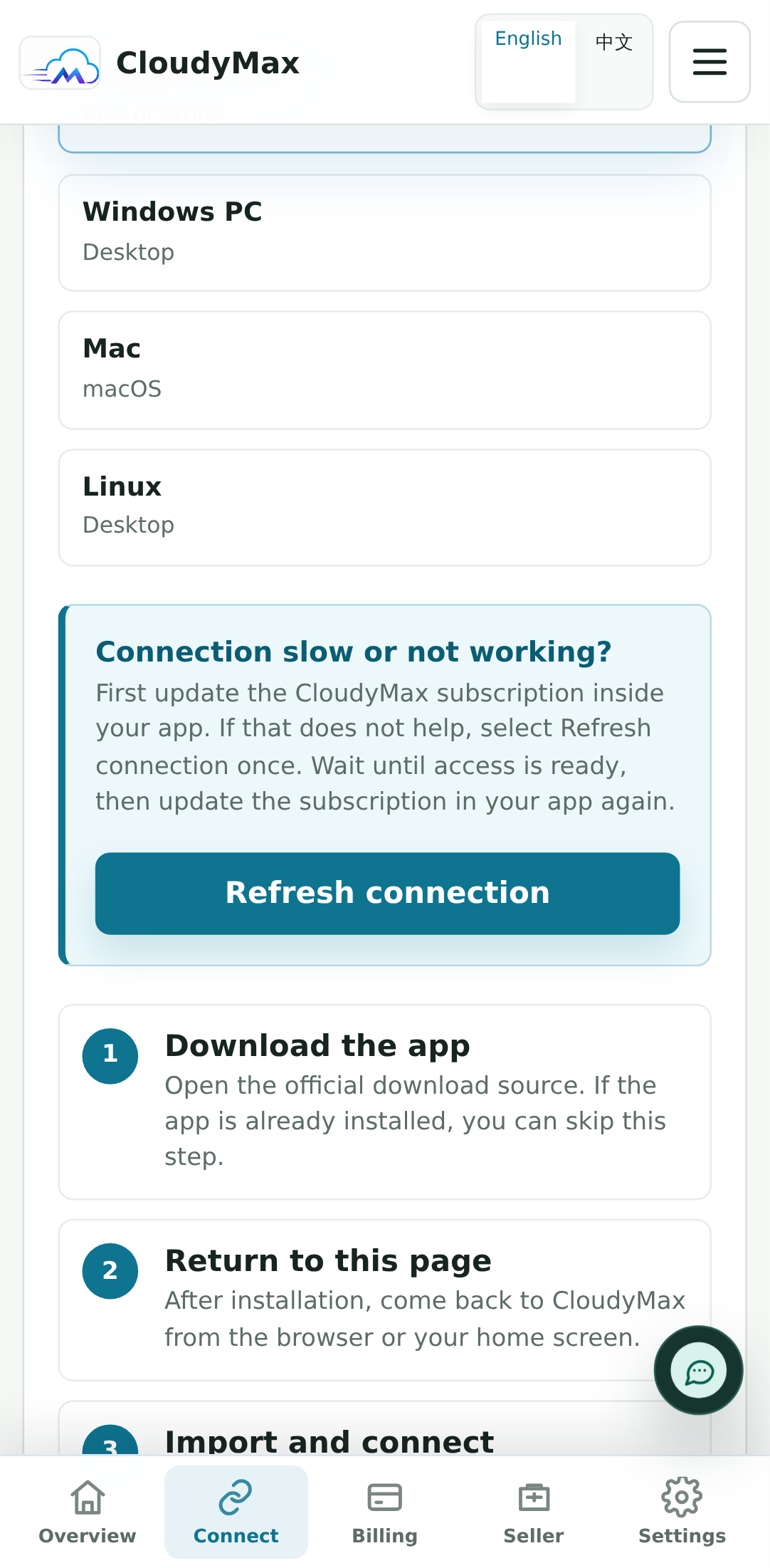
Refresh access control on the CloudyMax Connect screen
03

Update the imported profile in your app

Return to the app and update its subscription, or use Import again. Then test one normal website before testing a call or large download.
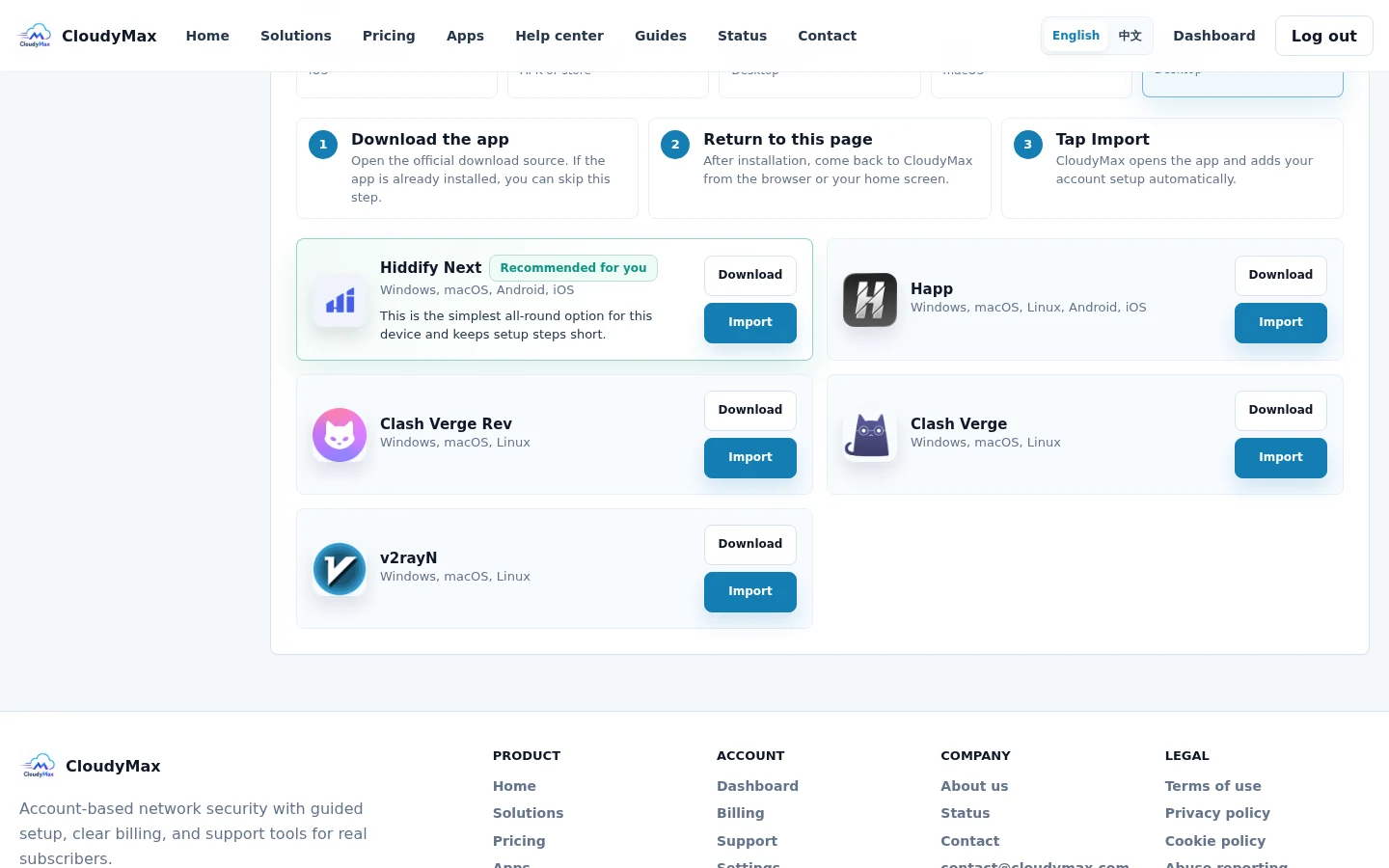
CloudyMax import control after a refresh
Next step Keep your account and payment safe Recognize the official site, protect your password, and know what support will never request.