01
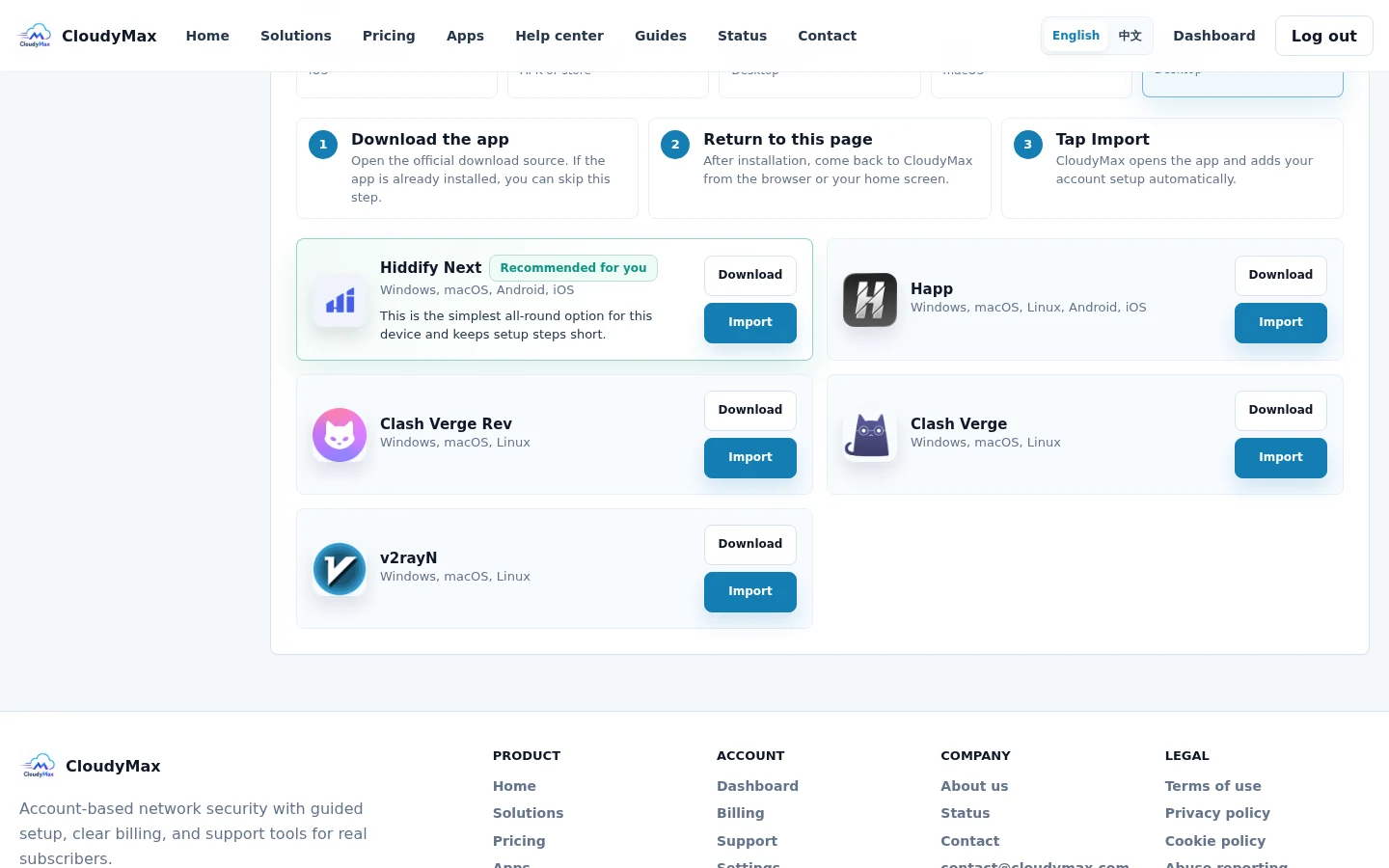
Start with the device tab
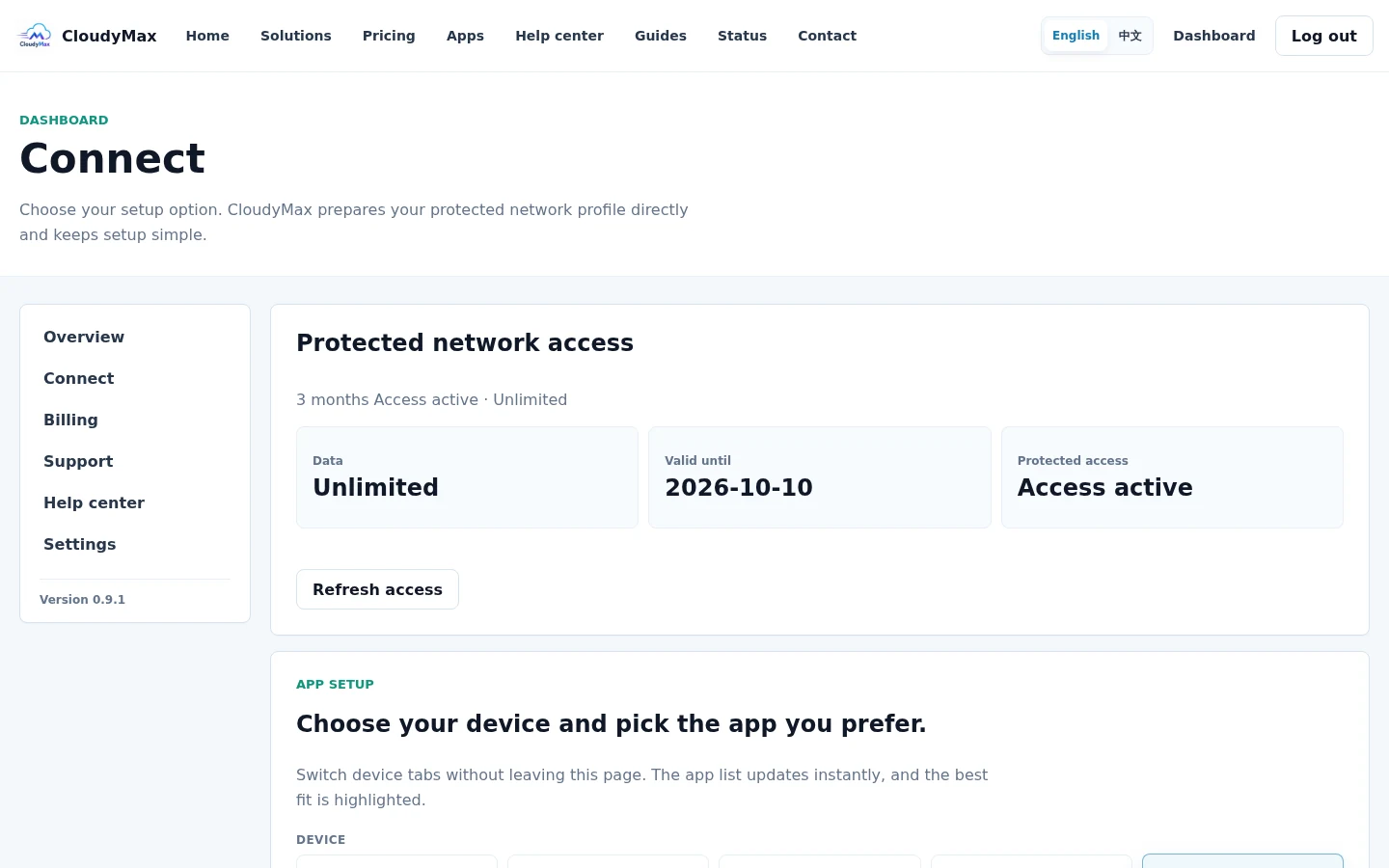
The Connect screen filters the app list by device. Select the device you are using now, not another device on your account.
02
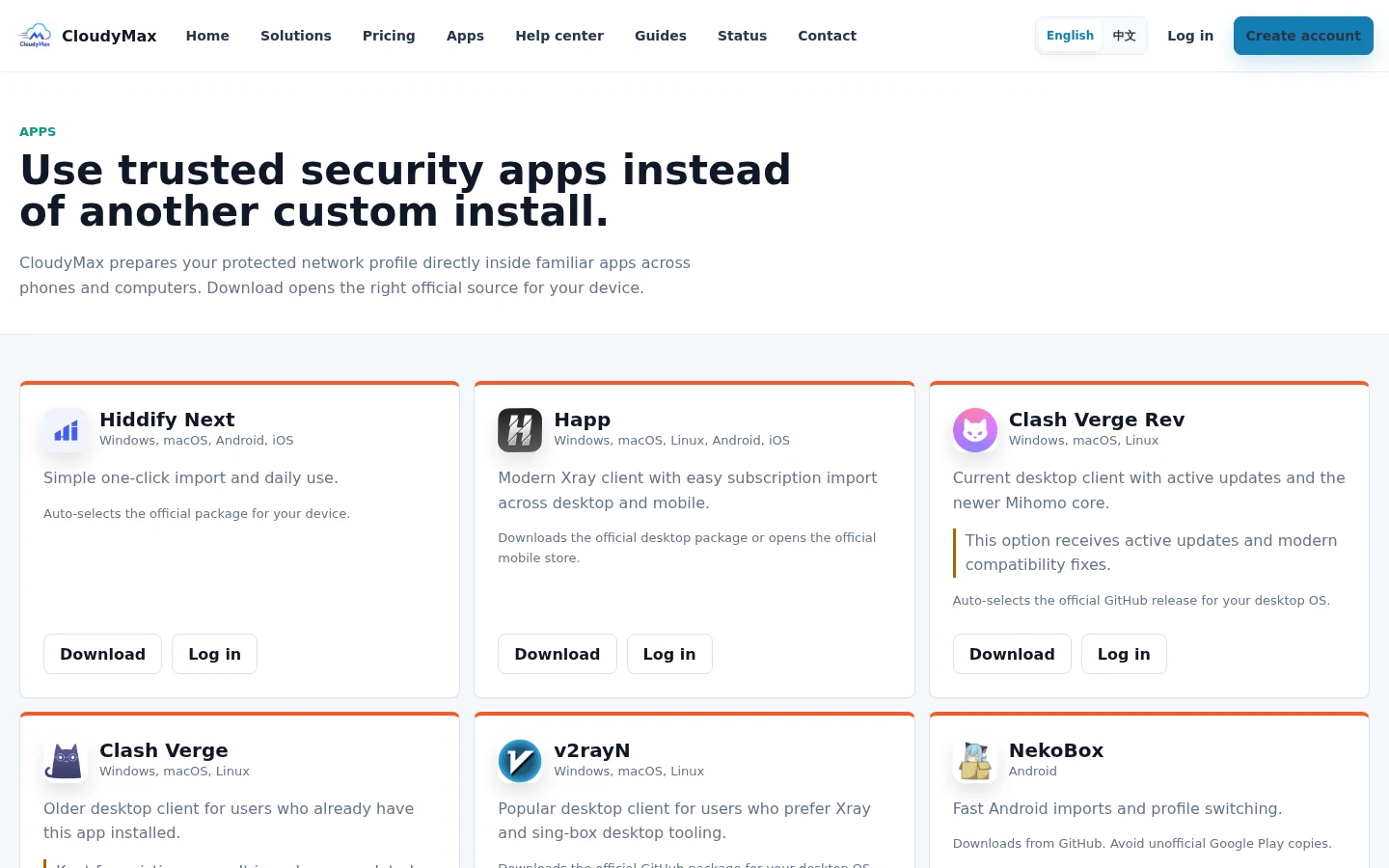
Use the official download destination
The Apps page explains supported platforms and opens the official store or project release for the selected device.
03
Return, import, and connect
After installing the app, return to the same Connect page and select Import beside that app. Approve the prompt, select the imported CloudyMax profile, and tap the app's Connect button.